
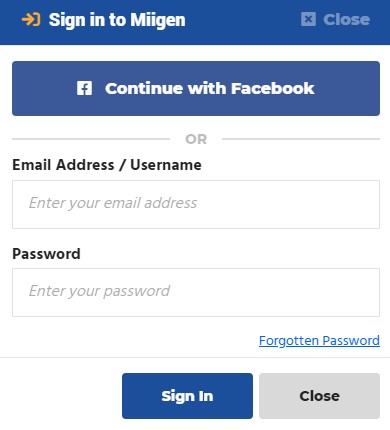
Signing into MiigenThere are two different ways of signing into Miigen. You can either enter your details manually or continue with Facebook or FamilySearch.
Continue with FacebookThe quickest way to sign into Miigen is by Continuing with Facebook. You can do this by selecting the Continue with Facebook button If you have never signed in using Facebook before, you will be asked to allow Miigen to access your Facebook Profile so we can allow you to easily sign in to Miigen. Please remember, if you do not accept the permissions pop-up, we will be unable to log you in to Miigen using Facebook and you will have to sign in using your email and password. Sign in manuallyOn the Sign in pop-up, there will be boxes for your Email Address and Password that you set during Registration. Once you have entered this information, click Sign In. You will then be signed in to Miigen! |
How do I sign in to my Miigen account?

Watch Video Help
Related Articles
Share this article
Share on Facebook
Ask us a question on Messenger
If you need further support, get in touch with us on Messenger via our Facebook Page. Click the button below to start a conversation!
Get in touch via Email
Find out more about Miigen or any issues you may have using the platform by sending our Support team an email! Send an email
